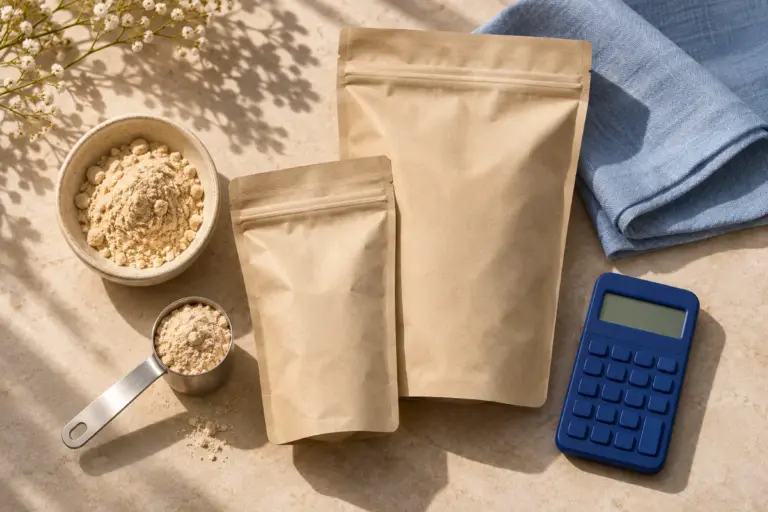
Find another pack size on a Heal&Zest product page
Use Choose your pack where it appears to open a related size and review that product's own details.
Compare sizes while staying with the product family
Some Heal&Zest products have a related pack available in another size. Where those listings are linked, the product page shows Choose your pack. It provides a direct route to the other listed size.
This is useful when you have found a product you want to inspect but would like to compare the pack quantity. The current pack is identified in the selector, and each linked option leads to its own product page.
Check the listing after switching
- Open a product page and look for Choose your pack near the buying options.
- Select the pack you want to inspect.
- On the new page, check the product title, pack quantity, flavour, current price and availability.
- Add the pack you have reviewed, then confirm its name and quantity in your cart.
Compare quantity and use, not only the headline price
Each pack is a separate listing with its own price and stock status. A lower item price may simply mean a smaller pack. Check the amount supplied and any serving information on the current label when comparing value.
The pack selector appears only where the store has explicitly linked related listings. If it is absent, search for the product name or ask support about the size you need. Do not assume every product has multiple pack options.
Changing a product page's pack link does not replace an item already added to your cart. If you previously added another size, open the cart and adjust that line yourself before checking out.
Continue exploring
Compare Heal&Zest products side by side
Explore all Heal&Zest feature guides